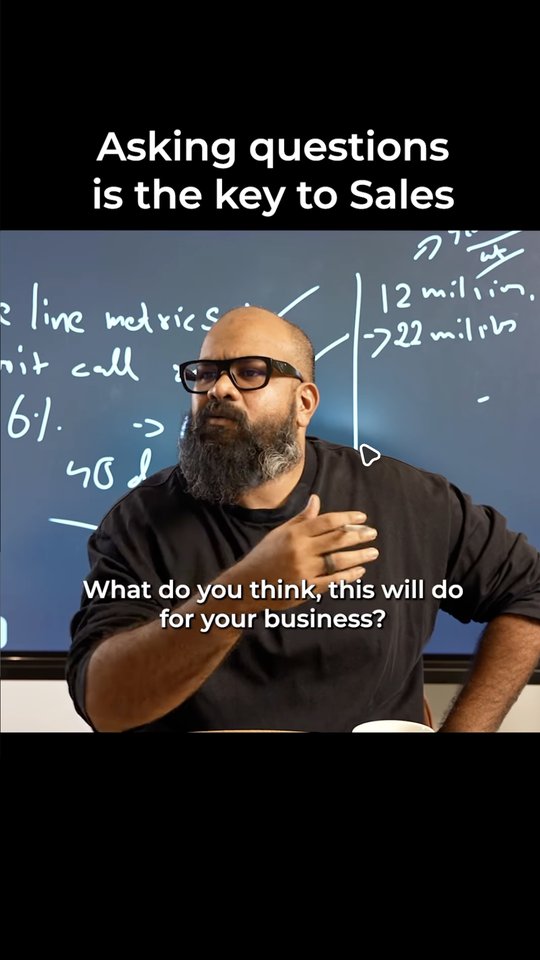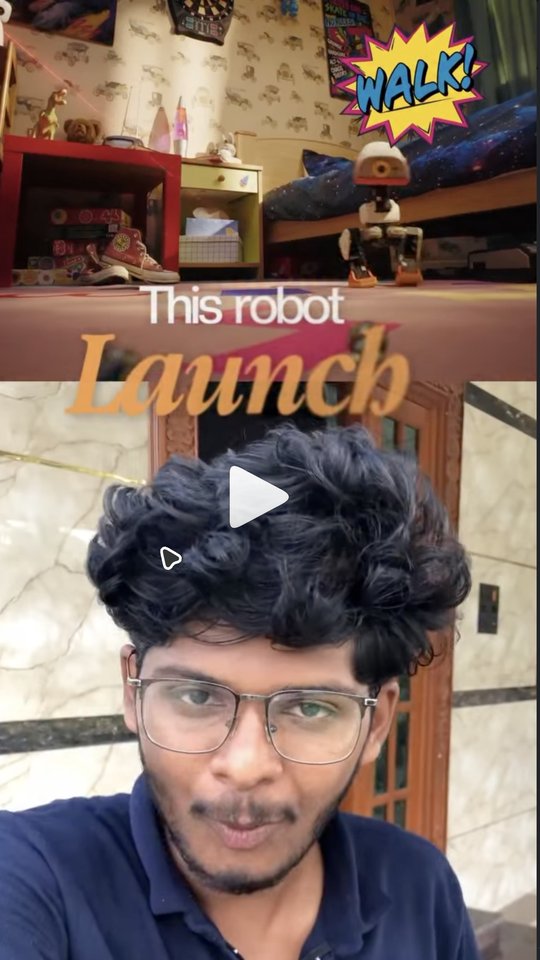
Split + B-roll
Last usedSplit screen and b-roll on black.
Ember captionsSplit screenB-roll on black
Styles
Copying a look by hand never quite works. Drop in a few reels you love. Lua learns how they are cut, captioned and laid out, and uses that on your next reel.
The app’s own screen, rebuilt for the web with sample data. Click around.
How Styles works
Lua studies the reels you pick and writes a style it follows.
Drop in reel files or paste links, and name the style.
It studies the cuts, captions and layout, and shows its progress as it works.
Pick the style. It steers the cut, the b-roll and the AI chat.
The details
Hover or tap a card, then click around inside it.
Built in
“Split + B-roll” and “Horizontal + Title” are ready on day one, before you teach Lua anything.
Style for this reel
Draft
A new style starts as a draft, so you can look it over before you use it.
Podcast look · from 3 reels
Style guide
Next to the templates, Lua writes a short guide that the AI follows when it edits.
Style guide · Podcast look
Cut every 2–3 seconds. Captions sit low, two lines at most. B-roll shows the product and never covers the hook.
Ember, Ember Classic, Ephaphra and Halo are built from After Effects templates. Switch between them in one click.
Keep going
Captions
Four styles from After Effects templates, in English, Tamil or Tanglish.
See Captions BUILD YOUR AGENT
Caption style
Editor + AI chat
A real timeline you can talk to. Every change is one ⌘Z.
See Editor + AI chatIdeas
A ranked list of what to make next, and why.
See IdeasMake next
Why #1
List reels about free tools ran far above usual this month.
Anything we have not covered? Send it over and we will answer.
Reserve your founding price — today’s price locked, 50% off your first month, 14-day money-back.
Reserve my spotWe open Lua 50 creators at a time. Founding members keep today’s price for as long as they stay subscribed, and get 50% off the first month. Not for you? Full refund within 14 days of your first payment.