
Caption styles

Four caption styles, built from After Effects templates.

Ember, Ember Classic, Ephaphra and Halo. Each one is timed to every word you say, works in English, Tamil script and Tanglish, and switches in one click.

An English reel, captioned exactly as spoken.

Ember

Big stacked words. The word you are saying turns orange and grows.
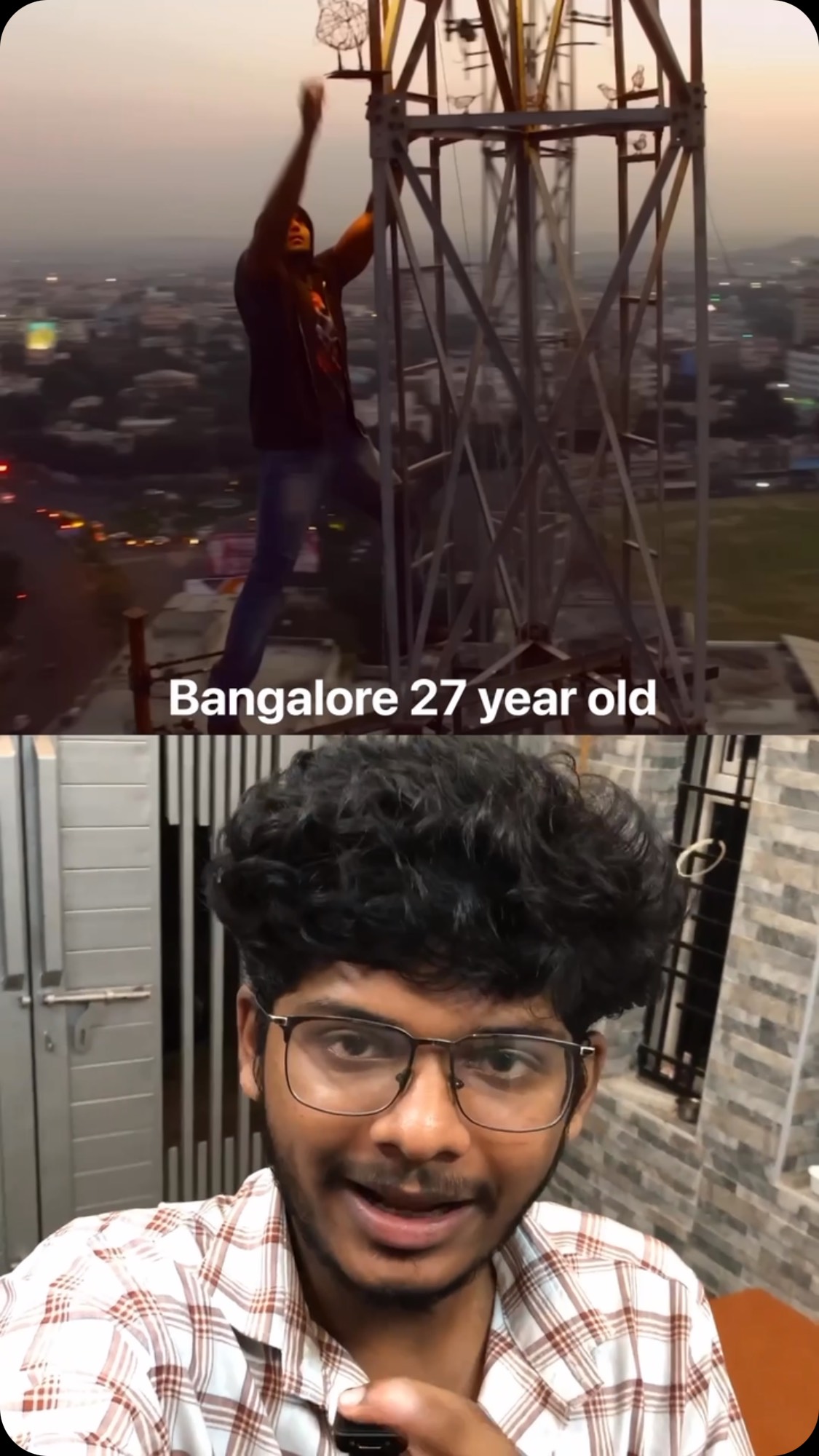
Built from an After Effects templateUses a stand-in font

Ember Classic

Ember’s look in rows along the bottom of the frame, so your face stays clear.
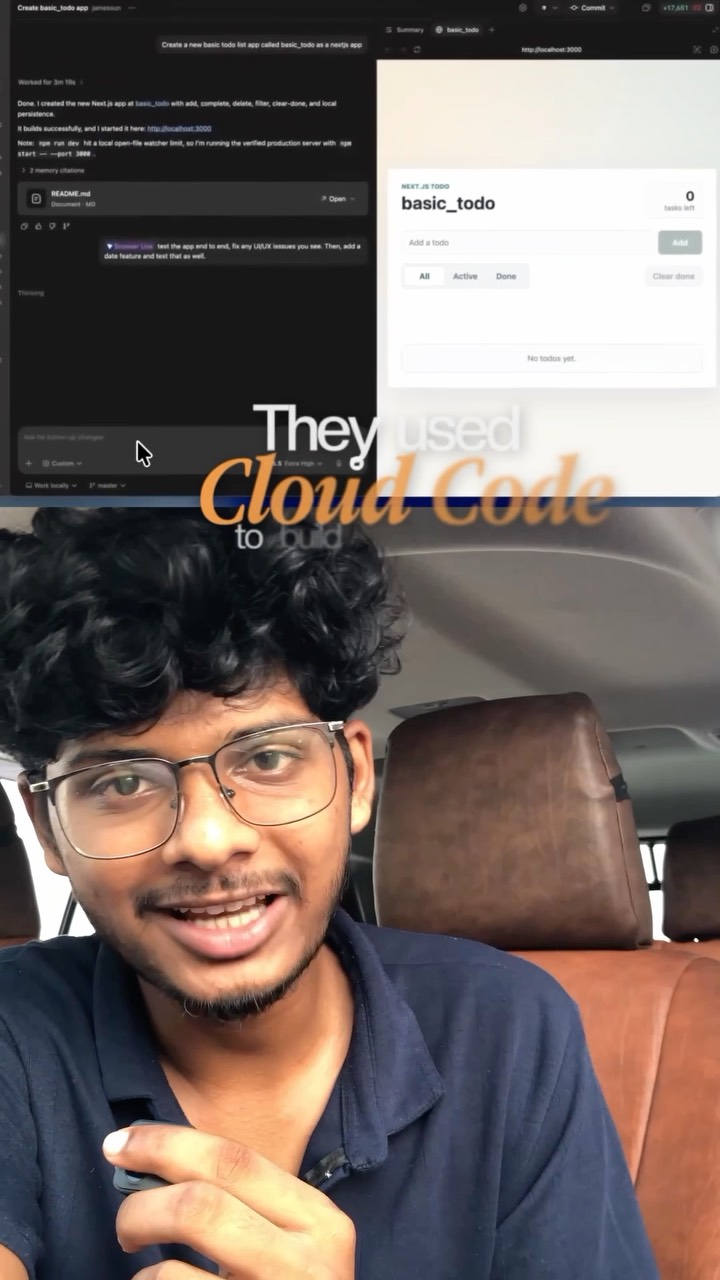
Made from EmberUses a stand-in font

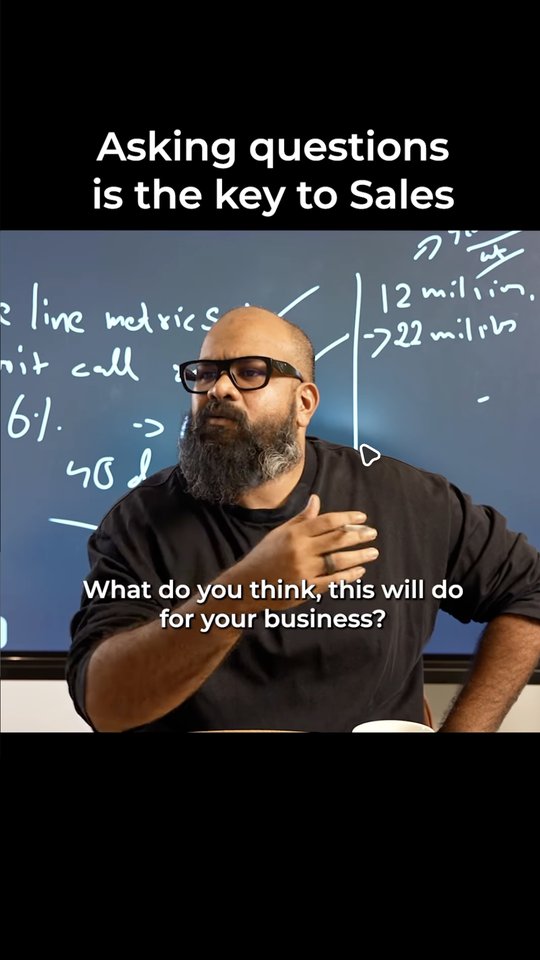
Ephaphra

Clean words on a dark card, the spoken word in blue. The closest of the four to its template.

Built from an After Effects templateUses a stand-in font

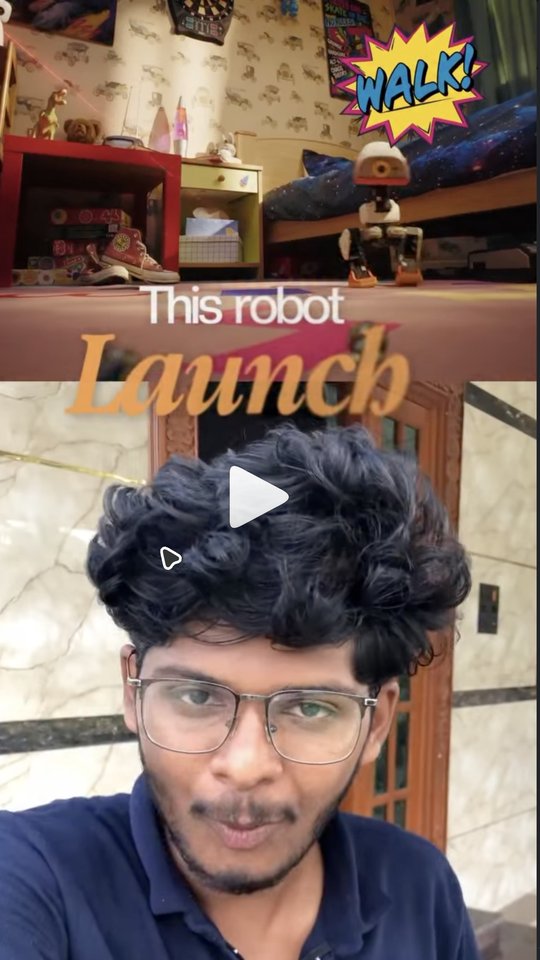
Halo

Glowing yellow type on a dark card, for reels that want to feel loud.

Built from an After Effects template

These previews are a web sketch of each look. In the app, captions are drawn from the templates themselves.

Every style

What they all do

Timing

Timed to every word

Each caption page comes from what you said. The word you’re saying lights up as you say it.

THIS FREE TOOL BEATS

Page 2

This free tool beats the paid one.

Lit wordFollows your voice

Layers

Real layers you can change

Every page is a text layer on the timeline. Fix a word, move a line, change a colour, or switch every page to another style.

Caption track

Page 1 · “This free tool”Text layer
Page 2 · “beats the paid”You fixed a word
Edited
Page 3 · “one. Here’s why”Text layer

Export

What you see is what you export

The editor and the exported reel are drawn from the same template, frame for frame.

Editor

Here’s why

Exported reel

Here’s why
ExportRendered on your Mac
Done

Switch styles in the editor

Pick a style and every caption page redraws. The same panel holds your b-roll: pick another shot and it lands on its own track.

  • One click per style
  • Pages stay editable
  • One ⌘Z undoes it
See Captions
LuaSaved
All4
Replicated templates4
Customize Ember
Fill
Visibility
Captions

Captions
Style
FidelityReplica · substituted face

SpokenTamil and English
Captions in
00:00:17/00:26:28
CC
V2
Black behind b-rollT1
V1
A1
0s2s4s6s8s10s12s14s16s18s20s22s24s26s28s
How to stop hallucination in your AI product?
idhu vandhu namma system promptla poyittu simple aa
hallucinate pannaadha hundred percent right result a kodu appadinnu sonnaa mattum patthaadhu.
ennaa adhu work aagaadhu.
ennaa AI sollum
boss naan right information thaan
unakku kudukkuren appadinnu
ennaa AI model vandhu thappaa
answer pandradhai vida enakkuth theriyalainnu sollattum.
adhai vachu namma adhukkappuram context improve panni
andhak case varaadha maadhiri thadutthukkalaam.
And ungalukku unga AI product-la hallucination stop pannanumnu ninaicheengannaa comment-la hallucination type pannunga.
adhukkaana step by step detailed doc naan direct aa ungalukku send pandren.
Google — NotebookLM Video Overviews official demo
Rectangle
Clip 1
Clip 2
Clip 3
Clip 4
Clip 5
Clip 6
Clip 7
Clip 8
Clip 9
Clip 10
Audio
Audio
Audio
Audio
Audio
Audio
Audio
Audio
Audio
Audio
0.6s

Or teach it your own look

Show Lua a few reels you love. It learns the captions, the pace and the layout, and uses them on your next reel.

  • Drop reels or paste links
  • A draft you review first
  • Steers the whole edit
See Styles

Caption style questions

Anything we have not covered? Send it over and we will answer.

They are built from After Effects templates and measured against them. Ephaphra is the closest; the others are close. Where a style uses a stand-in font, the app labels it.

You record. Lua does the rest.

Reserve your founding price — today’s price locked, 50% off your first month, 14-day money-back.

Reserve my spot

Reserve your founding price.

We open Lua 50 creators at a time. Founding members keep today’s price for as long as they stay subscribed, and get 50% off the first month. Not for you? Full refund within 14 days of your first payment.
No payment today. When your batch opens we email your link, and your price is held for 7 days.